In GraphQL Network Inspector we monitor for all request data coming from the standard chrome APIs. Some of those requests are compressed. In those cases we need to decompress them before any further processing.
In this article I'll show you exactly how to handle compression and decompression.
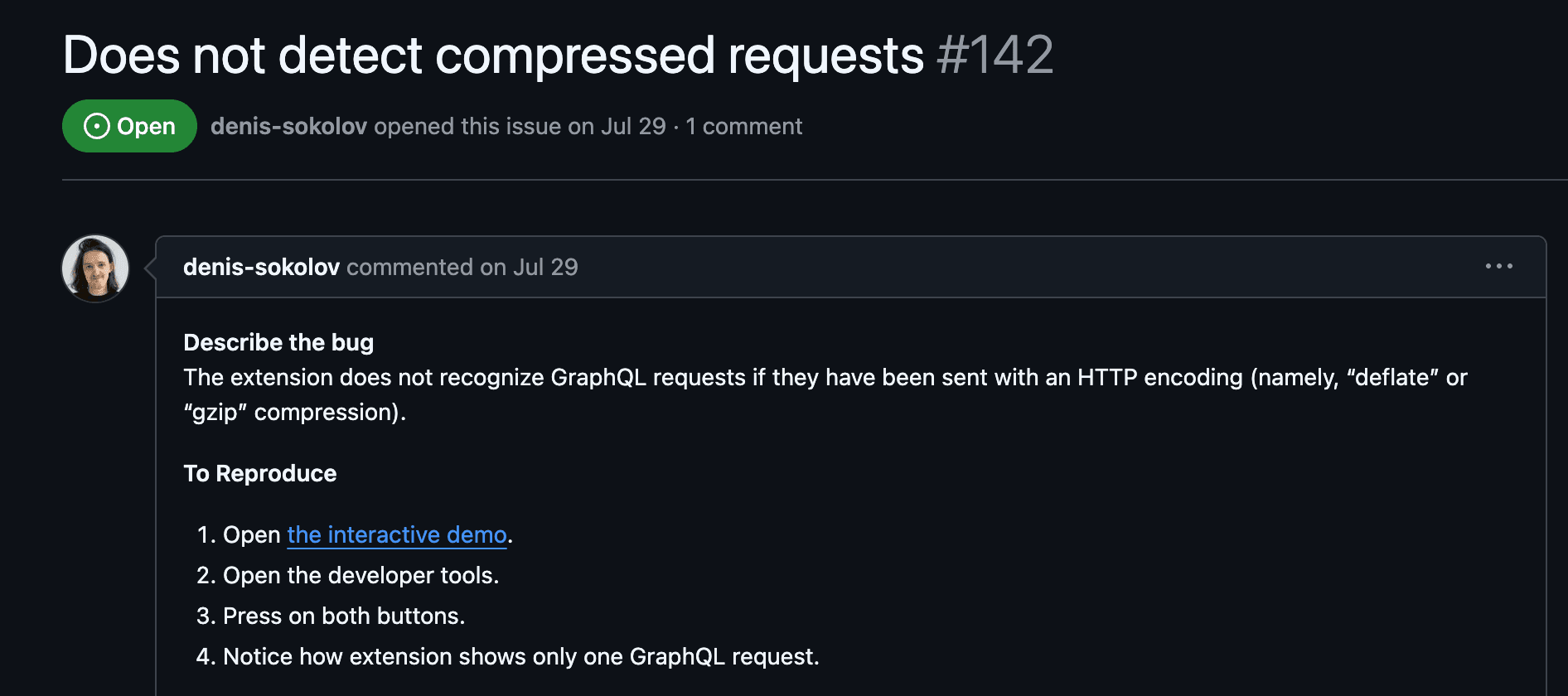
After an issue was raised I started to investigate and thanks to a helpful demo showing the problem, it was clear what was happening.
Compressing data
It's possible to compress and decompress in the browser using the native stream API's CompressionStream, DecompressionStream, and the fetch API.
Here's an example of how to compress a request:
/**
 * Accept any plain string and return a compressed
 * ArrayBuffer using the given encoding.
 */
const compress = async (data: string, encoding: "deflate") => {
  // Create a CompressionStream instance with the given encoding
  const cs = new CompressionStream(encoding);
  const writer = cs.writable.getWriter();

  // Write the data to the stream with a TextEncoder
  writer.write(new TextEncoder().encode(data));
  writer.close();

  // Convert the readable stream to an ArrayBuffer
  return await new Response(cs.readable).arrayBuffer();
}

const body = '{"query":"{ hello }"}';

fetch(someUrl, {
  body: await compress(body, "deflate")
  headers: {
    // Send with the correct encoding based on our compression
    "Content-Encoding": "deflate",
    "Content-Type": "application/json",
  },
  method: "POST",
});
We can now send compressed data to the server. But how do we decompress it?
Decompressing data
We can use similar APIs to decompress the data. All natively supported in the browser.
const stringToUint8Array = (str: string): Uint8Array => {
  const array = new Uint8Array(str.length)
  for (let i = 0; i < str.length; i++) {
    array[i] = str.charCodeAt(i)
  }
  return array
}

/**
 * Accept a compressed string and return a decompressed
 * Uint8Array using the given compression type.
 */
const decompress = async (raw: string, compressionType: CompressionType) => {
  // When data is dispatched via fetch, we'll receive it as a string
  // so we convert this back to a Uint8Array
  const uint8Array = stringToUint8Array(raw)

  // Create a readable stream from the Uint8Array
  const readableStream = new Response(uint8Array).body
  if (!readableStream) {
    throw new Error('Failed to create readable stream from Uint8Array.')
  }

  // Pipe through the decompression stream
  const decompressedStream = readableStream.pipeThrough(
    new (window as any).DecompressionStream(compressionType)
  )

  // Convert the decompressed stream back to an ArrayBuffer
  const decompressedArrayBuffer = await new Response(
    decompressedStream
  ).arrayBuffer()

  // Convert the ArrayBuffer to a Uint8Array
  const res = new Uint8Array(decompressedArrayBuffer)

  // Decode the Uint8Array to a string
  const decoder = new TextDecoder('utf-8')
  return decoder.decode(res)
}
It certainly isn't pretty. But these are how you can handle compression and decompression with the native browser APIs. If you prefer to abstract this away, you can use a library like pako which is a port of the zlib library.
This is now running in GraphQL Network Inspector happily decompressing requests for you :)